Deep dives
What Is VLESS, and Why Does One Setup Fail on Some Networks?
Contents
VLESS is a protocol an app uses to tell a server who’s connecting and where the traffic should go. In a typical setup VLESS doesn’t encrypt anything itself. TLS or REALITY does. Optional VLESS Encryption was added in 2025 for special cases. Below we look at whether VLESS is a VPN, what your provider can still see and why the same setup works on one network but not on another.
Is VLESS a VPN?
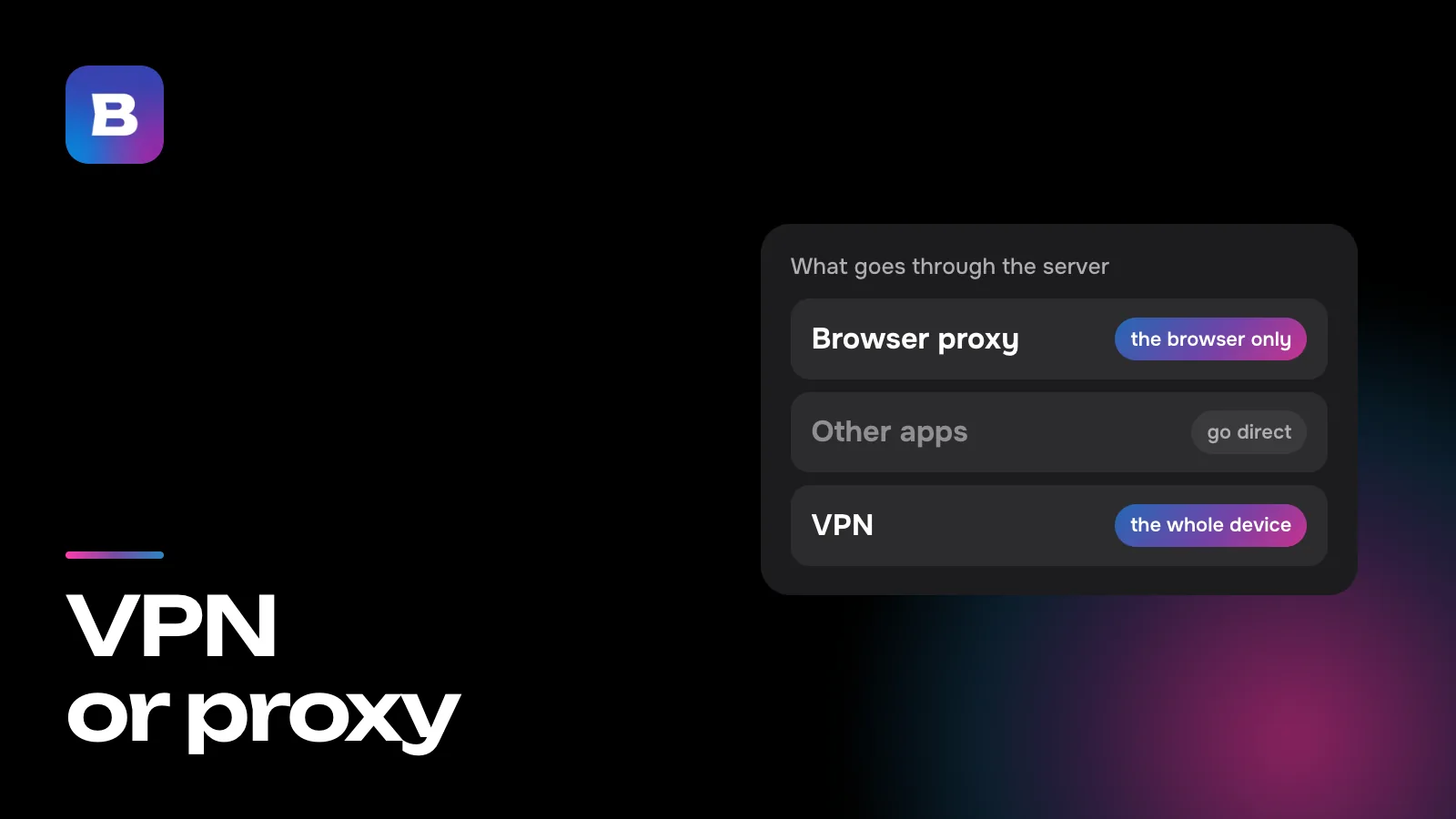
VLESS often gets lumped in with VPN protocols, but by design it’s closer to a proxy. The app asks the server to connect it to a given address and port. The server opens that connection itself and relays data in both directions. We covered how the two differ in VPN vs proxy.
The VPN part comes from the app. Apps like Bebra set up a system VPN on the device, route all of its traffic through it and send each connection to a server over VLESS or a protocol like it. To you it works like any VPN. VLESS itself only makes sure the server knows whom it’s serving and where to go next.
From the app to the website
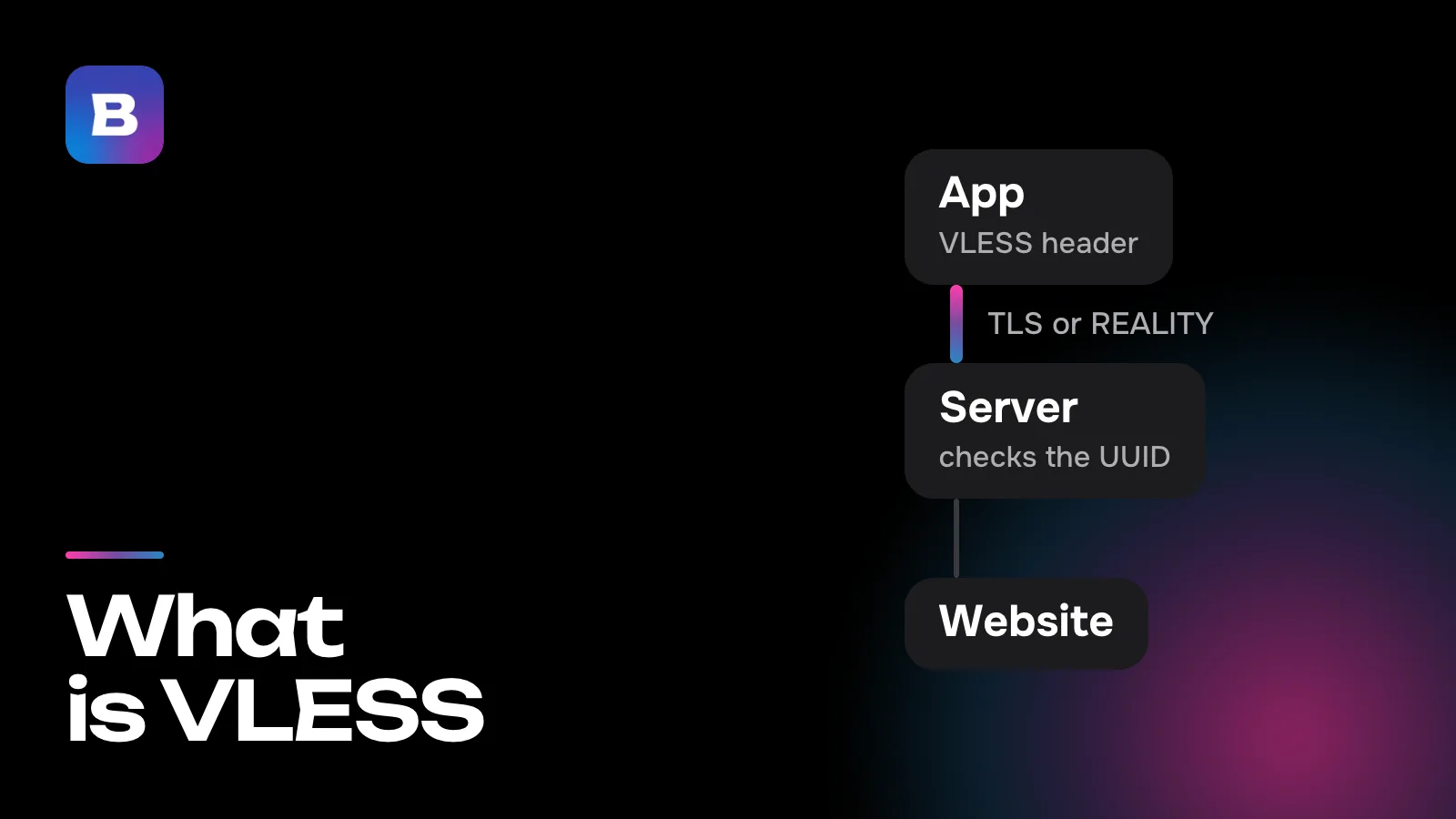
A VLESS connection makes four stops.
- The app. It puts a short VLESS header in front of your data, with your user ID (a UUID), the destination address and the port.
- The outer layer. The header and the data travel to the server inside TLS or REALITY. From the outside, it looks like a visit to a website over HTTPS.
- The server. It unwraps the outer layer and checks the UUID. With an unknown ID, the connection stops right there. With a known one, the server connects to the address from the header.
- The website. It gets a request from the server and answers it, and the reply comes back to you the same way.
VLESS has one job on this path, telling the server who you are and where you’re headed. Everything else, from encryption to how the connection looks from outside, is up to the outer layer. That’s why “a VLESS connection” almost always means a pair like VLESS + REALITY.
Who does the encrypting
In Xray’s settings, VLESS has a required encryption field, and in a typical setup it says none. The data is protected by the outer layer, TLS or REALITY.
That’s what sets VLESS apart from VMess, an earlier protocol from the same V2Ray project. VMess does its own encryption, with AES-128-GCM or ChaCha20-Poly1305, and needs an accurate clock on the device. VLESS appeared in V2Ray in 2020 as a simpler alternative that doesn’t care about the clock.
VLESS has encryption of its own now, too. VLESS Encryption was added to Xray in 2025 for special setups. In the usual pairing with TLS or REALITY, the encryption field still says none.
What your provider can see
Your provider and whoever runs the Wi-Fi can’t see the VLESS header, since it sits inside the encrypted channel. They can’t see which site you’re opening or what’s on the page either. Our article on what a VPN is follows one request to show how that looks. A few things do show from the outside, though.
- The server’s address. The IP address your device connects to is always visible.
- The name in the handshake. The first TLS message goes out in the clear and usually includes a site name (SNI). With plain TLS, that’s the server’s own domain. With REALITY, it’s the name of the real third-party site the server poses as.
- Packet sizes and timing. The content is encrypted, but how many bytes go back and forth, and in what order, isn’t.
REALITY adds two more protections. The client opens the handshake the way a common browser would, and REALITY’s settings make that fingerprint mandatory. And if someone connects to the server to see what’s there, the server hands that connection over to the real site, so the visitor gets that site’s response. Only clients that know the key get through to VLESS.
Why it works on one network but not another
Filters vary from one provider to the next, and they look for the traces listed above. One provider blocks server addresses from a list, and then only a new address helps. Another inspects handshakes, and a third looks for patterns in packet sizes. That’s why a setup that connects at home may fail on mobile data or hotel Wi-Fi.
One of the most telling traces is a handshake inside a handshake. When you open an HTTPS site through VLESS, the site’s own TLS runs inside the outer TLS, and its first packets are short, with recognizable lengths. That’s what the authors of “Fingerprinting Obfuscated Proxy Traffic with Encapsulated TLS Handshakes” (USENIX Security 2024) looked for at an internet provider with about a million users. They picked out disguised proxy traffic while barely touching ordinary traffic. The paper also showed that random padding or multiplexing alone doesn’t hide this trace, because neither changes the size of traffic bursts or the number of round trips.
Xray’s answer to this trace is XTLS Vision. It pads the short packets of the inner handshake so their lengths don’t give it away, then simply passes the data along once the handshake is done. Its authors acknowledge that Vision doesn’t hide the handshake’s timing.
What Bebra does about it
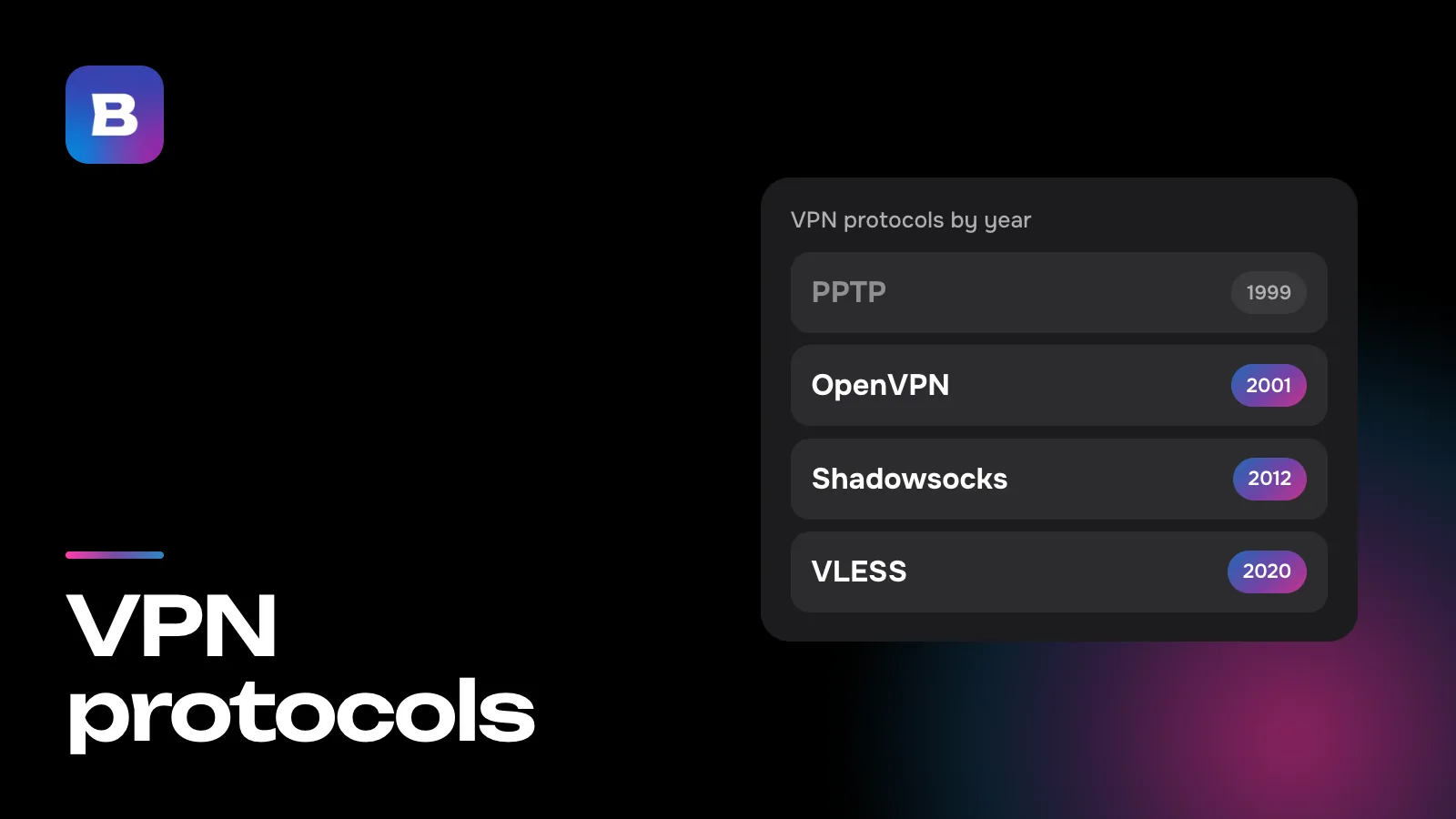
In Bebra, VLESS + REALITY is one of the connection methods alongside XHTTP, Hysteria2 and Shadowsocks. They look different on the wire, so a filter that gets in the way of one may not notice another. The app decides which protocol and route to use, and if a route stops working, it switches to another. Our piece on VPN protocols explains how the four differ.
There’s nothing for you to configure. The app has no protocol picker, it creates an account for your device on its own, and you connect to a country by tapping its tile. If a country still won’t connect, go to Account → Settings and tap “Find working server”. The app re-tests the routes and fetches fresh server addresses, which takes up to two minutes. A fresh address is exactly what helps when your provider has blocked the old one.
To try Bebra, start with the trial for 10 ₽. 3 days of full access, then 500 ₽ per month. The subscription renews automatically.
Questions and answers
Why is VLESS called a protocol without encryption?
Because in a typical setup it doesn’t encrypt anything itself. Its encryption field says none, and TLS or REALITY does the encrypting. Optional VLESS Encryption was added in 2025 for special cases.
Can I pick VLESS manually in Bebra?
No, the app has no protocol picker. Bebra decides whether to connect over VLESS + REALITY, XHTTP, Hysteria2 or Shadowsocks and moves to another route if the current one stops working.
How is VLESS different from Shadowsocks?
Shadowsocks encrypts data itself, with a key the client and server both know in advance. Its stream starts with a random salt followed by encrypted chunks, with no TLS around it. VLESS doesn’t encrypt on its own and travels inside TLS or REALITY, so from the outside it looks like a visit to a website over HTTPS.
Can my provider see which sites I open over VLESS?
No. The site’s address is in the VLESS header, inside the encrypted channel. Your provider sees the server’s address, the name in the TLS handshake and the packet sizes.
What does someone get if they probe a REALITY server?
A response from the real site the server poses as. REALITY hands connections without the right key over to that site and only lets its own clients through to VLESS.
What does XTLS Vision do?
It pads the short packets of the handshake that runs inside the encrypted channel, so their lengths don’t give that handshake away. After that, Vision just passes the data along. Its authors say it doesn’t hide the handshake’s timing.