
2 years
−62%+6 months free
190 ₽per month
5 700 ₽ in total
Buy for 5 700 ₽Updated
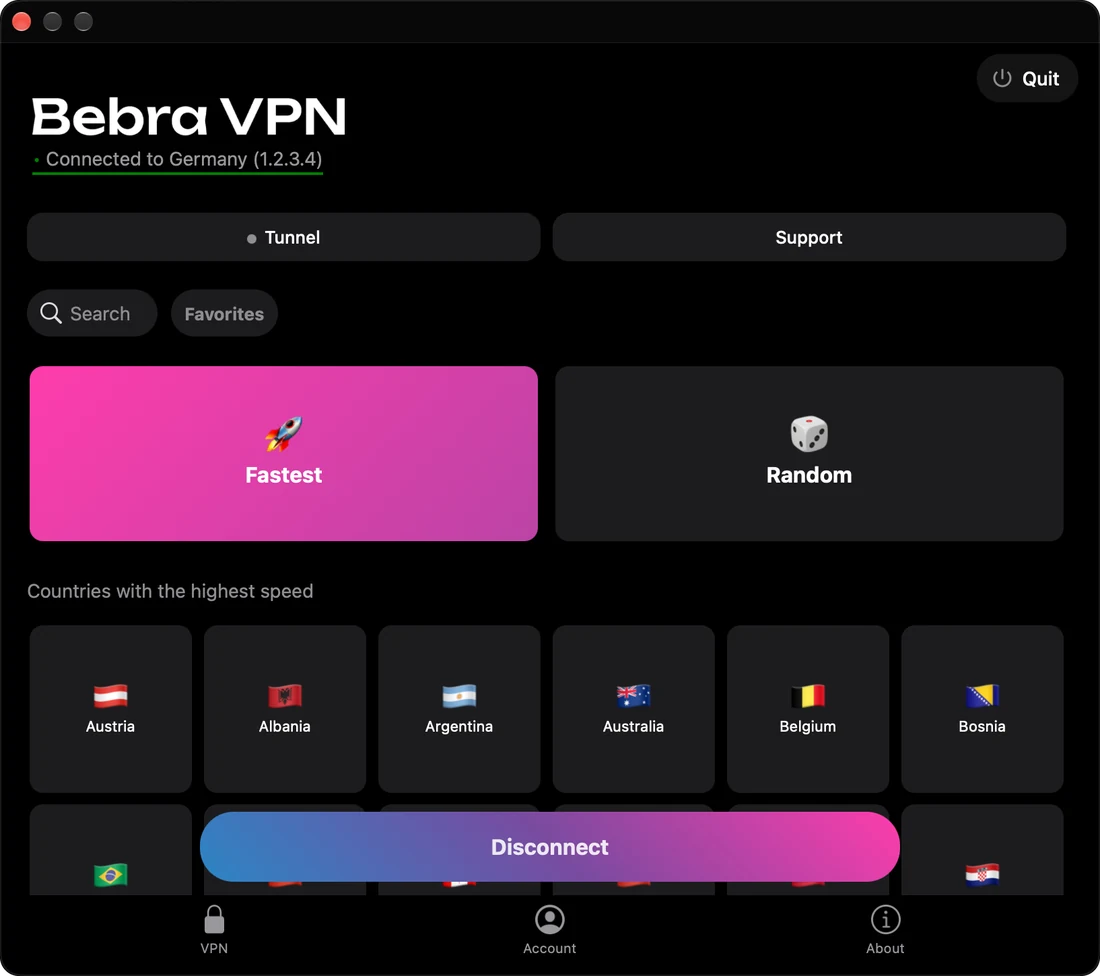
Bebra VPN doesn’t make a Chrome extension. The app connects the whole device instead, and Chrome, Incognito windows included, goes online through the country you pick.
An active extension keeps routing Chrome’s tabs through its own server, even with Bebra connected. Websites then see that server’s country, not the one you picked in Bebra.
To check, open any “what is my IP” site in Chrome and compare its country with the Connected to … line in Bebra. If they differ, type chrome://extensions in the address bar and switch the extension off on its card. It can stay installed.
| What | VPN extension | Bebra |
|---|---|---|
| Chrome tabs | Yes | Yes |
| Incognito windows | Only if you allow it in the extension’s details | Yes |
| Other browsers | No | Yes |
| Games, chat apps, system updates | No | Yes |
| What it asks for | Access to all your data on every website | Permission to add a VPN connection (administrator rights on Windows) |
Chrome shows the warning “Read and change all your data on all websites” for any extension with access to the browser’s proxy settings. VPN extensions need exactly that access.
Bebra VPN runs on Windows 7 SP1 or later, macOS 12 or later, Linux (Ubuntu 22.04 or later, Debian 12 or later), Android 10 or later, and iPhone with iOS 15.5 or later. Download the version for your system and open it. There’s no sign-up, because the app creates an account for that device on its own. Then choose a country in the grid. Without a subscription, the Buy Bebra VPN sheet opens first. If you’ve paid before, pick Already have a subscription? → Sign in to account in that sheet.
+6 months free
190 ₽per month
5 700 ₽ in total
Buy for 5 700 ₽350 ₽per month
4 200 ₽ in total
Buy for 4 200 ₽500 ₽per month
Billed every month
Buy for 500 ₽3 days of full access, then 500 ₽ per month. The subscription renews automatically.
Click Tunnel on the main screen, choose Manual and type the site’s domain, one entry per line if there are several. Those sites then open from your normal address in any browser, while every other tab stays in the tunnel. On iPhone and Mac the app may ask you to reconnect after you change the mode.
If you’re signed in to your Google account, yes. Google knows it’s you from the sign-in, not from your IP address, and bookmarks, passwords and history keep syncing as before.
If you’ve allowed it to see your location, it may get it from the system’s location services, using Wi-Fi or GPS, rather than from your IP. Click the icon to the left of the site address to see which sites have that permission.
Like any other site. Videos load through the country you picked in the app, and nothing in Chrome needs changing. For more on video, see “VPN for YouTube on PC” and “VPN for YouTube”.
Not as an extension. On Android, Bebra comes from Google Play or as an APK, and on iPhone from the App Store. Once it’s connected, Chrome on the phone needs no setup.